Introducing Canvas AI, Flows AI, and Teams - a new era of working with AI
We are launching three groundbreaking products: Canvas AI with GPU processing, Flows AI for automating creative workflows, and Teams for real-time collaboration. Discover a new experience of working with AI.
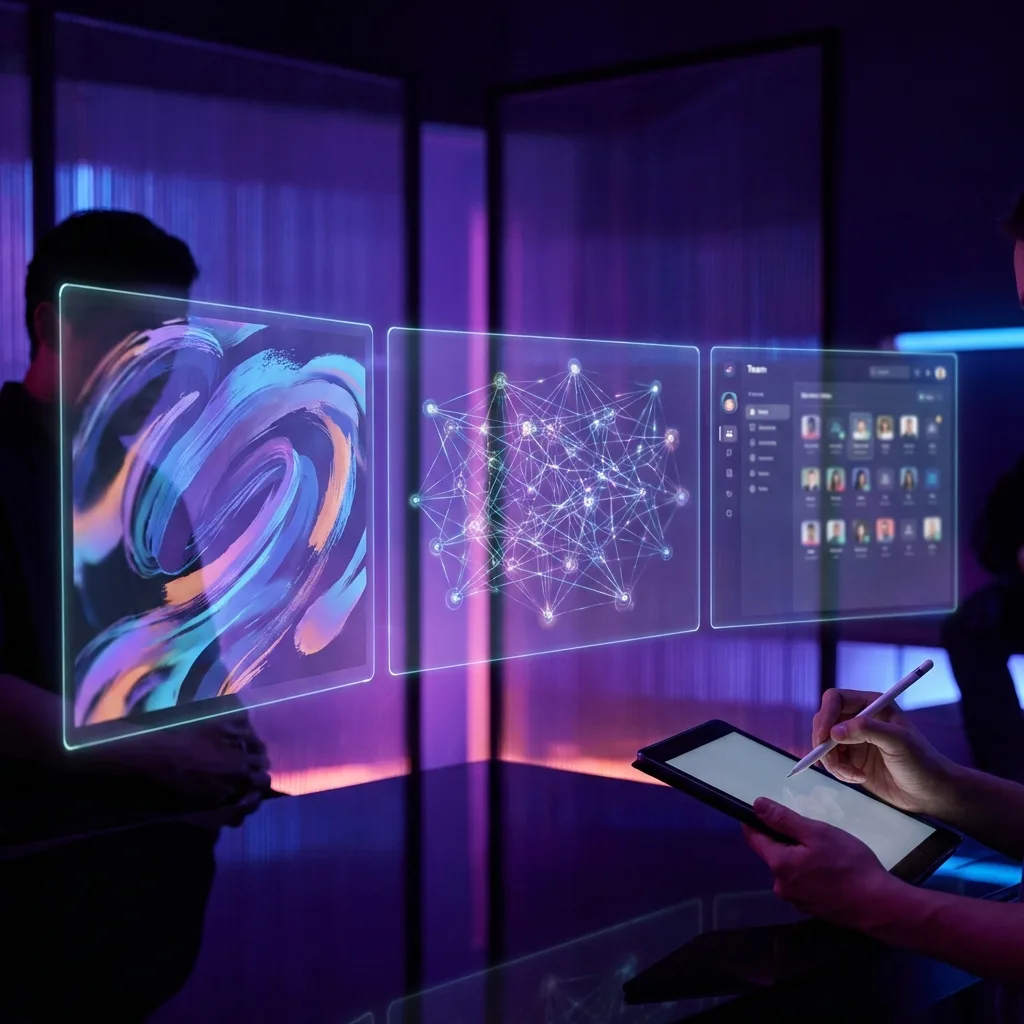
Today we're introducing three products that redefine how you work with AI on the FotoHUB platform. Canvas AI is an intelligent canvas combining professional photo editing with over 60 image generation models and 25 video models. Flows AI is a visual system for automating creative workflows. Teams is a real-time collaboration platform with shared AI credit pools.
Together, they form an ecosystem where ideas turn into finished assets - from concept to publication - in a fraction of the time traditional tools require.
Canvas AI - your intelligent creative canvas
Imagine a tool that combines the best features of professional photo editors, graphic design software, and AI content generation - all in one place, accessible from your browser. That's Canvas AI.
[SCREENSHOT: Canvas AI - main canvas view with AI chat panel open and generated images]
Two work modes - one tool
Photo Mode gives you professional photo editing tools you'd expect from premium software:
- Curves and Levels - precise tonal control with real-time histogram
- 12 adjustment parameters - brightness, contrast, saturation, hue, gamma, exposure, temperature, tint, highlights, shadows, and vibrance
- Filters and presets - over 9 artistic filters, 14 ready-made color presets, and 12 layer blend modes
- Retouch - cloning, healing brush, and unwanted element removal
- Layers - full layer system with blend modes
Idea: What can you create in Photo Mode?
Upload an old black-and-white family photo -> use AI colorization -> restore faces with AI -> upscale 4x -> print in large format. The result? A professionally restored family photo in just a few minutes.
Design Mode transforms the canvas into a Canva-style design studio:
- 50+ ready-made formats - Instagram, YouTube, TikTok, print A3-A5, business cards, posters, flyers, email marketing, and more
- Graphic elements - shapes, icons, and decorations with full styling
- Typography - hundreds of fonts with complete formatting control
- Brand Kit - save your logo, color palette, and fonts so AI always creates on-brand
- Animations - bring your designs to life with dozens of enter, motion, and exit animations
- Presentation mode - turn any project into a slideshow with transitions, presenter notes, and timer
[SCREENSHOT: Canvas AI - comparison of Photo mode and Design mode]
Over 60 AI image generation models
Canvas AI gives you access to the world's best image generation models - without switching between different services. The system intelligently selects the optimal model for each task:
- Google Imagen 4.0 - highest quality in resolutions up to 4K
- Nano Banana - our proprietary model in Flash, Pro, and MAX variants
- FLUX 2.0 - family of models with unique Kontext contextual editing
- OpenAI GPT Image - known for creativity and accuracy
- Seedream - generations 3.0 to 5.0 with editing and generation modes
- Grok Imagine - unique artistic style
- Wan - advanced editing and generation
- Z-Image Turbo - ultra-fast generation in a fraction of a second
Tip: How to choose a model?
You don't need to be an expert! Type your prompt and Canvas AI will pick the best model. But if you want: Imagen 4.0 Ultra for photorealism, FLUX Kontext for editing existing photos, Nano Banana MAX for creative illustrations, Z-Image Turbo when speed matters most.
25+ AI video models
Creating AI video has never been simpler. Describe what you want to see, and Canvas AI will select the best model:
- Veo 3.1 - highest quality with full audio, up to 4K, multiple references
- Sora 2 Pro - cinematic physics and realism, up to 25 seconds
- Seedance 1.5 - audio-visual sync, lip-sync, perfect for characters
- Wan 2.6 - multi-shot storytelling with native audio
- Hailuo 2.3 - advanced camera control and physics realism
- Grok Video - generation, editing, and restyle in one model
Fun fact: Video with sound!
Models like Veo 3.1 and Seedance 1.5 can generate video with natural sound - ocean waves, city noises, background music. No need to add audio separately!
Professional AI editing on dedicated servers
Canvas AI offers AI editing tools that run on our dedicated servers - your computer stays fast, and results are instant:
- Background removal - one-click, pixel-level accuracy
- AI upscaling - 2x and 4x scaling while preserving details and sharpness
- Face restoration - recover portrait details from old or low-quality photos
- Colorization - automatically color black-and-white photos with natural results
- Smart crop - AI understands photo content and suggests the perfect composition
- Denoise - noise reduction while preserving details
- Inpainting - remove unwanted elements and AI fills in the gap seamlessly
- Auto-enhance - one-click improvement of brightness, contrast, and colors
Idea: Remove unwanted elements from a photo
Beautiful vacation photo, but someone walked into the frame? Click on that person with the segmentation tool, then use inpainting - AI will remove them and naturally match the background. Zero traces of editing.
Click on any object - AI understands it
We've integrated an advanced AI segmentation model directly in your browser. Simply click on any object in a photo - a person, car, building - and AI instantly selects it with professional precision. No uploading, no waiting.
- Click-to-select - instant, precise selection of any object
- Multi-point selection - indicate what to select and what to exclude
- Perfectly smooth edges - automatically smoothed selection contours
- Works instantly - AI model runs locally in your browser, zero delay
[SCREENSHOT: AI segmentation in action - clicking on an object and generated mask]
AI Creator - your personal creative director
The built-in AI assistant acts like a creative director who sees your entire project and suggests next steps:
- Understands context - AI analyzes all elements on the canvas and understands what you're working on
- 14 specializations - from Instagram Posts and YouTube Thumbnails, through Product Photography, to Brand Kit and Ad Creative
- Deep thinking mode - turn on when you need thoughtful, complex proposals
- Brand memory - AI follows your Brand Kit guidelines with every generation
- Automatic actions - generate images, video, edit, and merge clips directly from chat
Idea: An entire campaign from one conversation
Tell the AI Creator: "Create a social media campaign for a coffee shop - 3 Instagram posts, stories, and a short latte art reel." AI will generate all graphics in the right formats, with text and animations. You can then refine each element on the canvas.
Flows AI - automate your creative processes
How many times have you repeated the same steps? Generate an image, add text, create video, add music, export in 3 formats... Flows AI ends this monotony. Build your workflow once - and run it with a single click.
[SCREENSHOT: Flows AI - visual node editor with connected generation pipeline]
Two ways to build
Visual node editor - for those who like to see the whole process:
- Drag and connect - link image, video, and audio generation blocks on an infinite workspace
- 11 block types - inputs (text, image, video), generation (image, video, audio), merging, and results
- Live preview - see generated results directly in each block
- Run individually or all at once - test one block or fire off the entire process
- Full change history - undo and redo any change
4-step wizard - for those who want to move fast:
- Step 1 - Choose a goal: Marketing, E-commerce, Audio Production, Localization, Brand Content
- Step 2 - Select steps and set their order
- Step 3 - Customize parameters and choose quality (Fast / Balanced / Professional)
- Step 4 - Check credit cost and launch
Tip: Start with a template
No need to build a workflow from scratch. Choose one of 14 ready-made templates (e.g., "Social Media Pack"), adjust the prompt to your brand, and click run. The entire process - from generating graphics to creating a reel - takes just a few minutes.
18 types of AI operations
Audio and voice:
- Transcription - convert speech to text with speaker recognition
- Voice cloning - create a digital copy of any voice from an audio sample
- Text-to-Speech - natural-sounding speech synthesis in 8 voice styles
- Voice conversion - transform one voice into another
- Dubbing - audio translation with lip synchronization
- Music generation - create soundtracks in 12 genres
- Sound effects - create any SFX from a description
- Mastering - professional audio polishing and enhancement
- Stem separation - split a track into vocals, drums, bass, and instruments
Video, image, and text:
- Video generation - with configurable duration, aspect ratio, and quality
- Image generation - with multiple models and style presets
- Text translation - into over 28 languages
- Video + audio merge - free, no credits used
Idea: Podcast in 5 minutes
Upload a conversation recording -> transcription with speaker recognition -> stem separation (remove noise) -> mastering -> export as MP3. You can set up this entire process in Flows and repeat it for every episode with one click.
14 ready-made templates for your industry
- Product Photography - from product description to finished video in minutes
- Fashion Campaign - photoshoot, runway, and campaign video from a single brief
- E-commerce - 4 product photos, grid, and showcase video automatically
- Social Media Pack - one description, three formats (post, stories, reel) instantly
- Real Estate - renders, twilight shots, and video property walkthrough
- Food & Recipe - professional food photos and culinary video
- Brand Identity Kit - logo, mockups, and brand reveal animation
- Interior Design - visualizations and virtual walkthrough
- Travel Campaign - landscape, culture, adventure - the complete promo reel
- Portrait Studio - classic, dramatic, and creative portraits + showreel
- Wedding Highlights - ceremony, details, and highlight film
- Automotive - exterior, interior, details, and commercial
- Architecture - 3 perspectives and architectural video
- Music & Albums - cover, vinyl mockup, and visualizer
Idea: E-commerce on autopilot
Got 20 new products to add to your store? Use the "E-commerce Grid" template - enter product descriptions, and Flows will generate professional photos, comparison grids, and short videos for each one. Save hours of photographer and designer work.
Transparent costs and live tracking
Flows AI shows you the exact credit cost before you run anything. You see how much each step costs, how long the entire process will take, and you can track progress in real time. No surprises.
Teams - work together, create faster
The best ideas are born in collaboration. Teams lets your team work on Canvas AI and Flows AI projects together in real time - as if you were sitting at the same desk, even if you're on different continents.
[SCREENSHOT: Teams - team dashboard with credit overview, tasks, and activity]
Real-time collaboration
Shared Canvas AI workspace:
- Join with one link - send a URL and start working together instantly
- See collaborator cursors - everyone has their own color, you know who's working where
- Everything synchronized - objects, drawings, AI chat - every change visible to all
- Join at any moment - new participants instantly receive the current project state
Shared Flows AI workspace:
- Build workflows together - multiple users can simultaneously add and configure blocks
- See what others are doing - collaborator cursors and actions update smoothly
- Automatic saving - the project saves automatically, nothing gets lost
Idea: Brainstorming session with the team
Open Canvas AI together, generate different key visual variants for a campaign, comment on the built-in canvas chat, and pick the winner - all in one session, in real time. No more sending files by email.
Shared AI credit pool
- Pool for the whole team - 15,000 credits per member (e.g., 45,000 for a 3-person team)
- Usage control - set individual limits per member
- Full tracking - see who uses how many credits and for what operations
- Automatic renewal - the pool renews with each subscription payment
- Analytics reports - detailed charts per person and per feature
Team management in one place
- Notes - colored sticky notes with pinning
- Tasks - Kanban board with priorities, assignments, and deadlines
- Shared files - team drive with uploads up to 50 MB per file
- Reminders - set reminders for yourself or team members
- Activity history - full log: who changed what and when
Flexible roles
- Owner - full control over the team, billing, and settings
- Admin - can invite new members, manage roles, and view analytics
- Member - uses credits, creates tasks and notes, collaborates on projects
[SCREENSHOT: Teams - Kanban task view with assignments and priorities]
Export in any format
- PNG - with transparent background, perfect for graphics and logos
- JPG - optimized photos with quality control
- PDF - multi-page documents ready for print
- SVG - vector shapes and text for further editing
- MP4 - video compiled directly from the canvas
Export scaling up to 4x original resolution - perfect for large-format printing.
Who is this for?
- Marketers - create multi-platform campaigns from concept to finished assets in minutes. One brief = post, stories, reel, and banner.
- Photographers - edit photos at professional level with AI. Remove backgrounds, enhance portraits, upscale photos without quality loss.
- Creative agencies - automate repetitive processes and save hundreds of hours monthly. Build a workflow once and use it for every client.
- E-commerce - generate product photos, videos, and social media content from a single product description.
- Creative teams - work together in real time, share AI resources, and manage projects in one place.
- Content creators - create professional content for YouTube, Instagram, TikTok - faster than ever.
Where to start?
1. Open Canvas AI and generate your first image - just type a description.
2. Go to Flows and run the "Social Media Pack" template - see how automation saves time.
3. Invite a colleague to Teams and start working together on a shared canvas.
Canvas AI, Flows AI, and Teams are available now for all FotoHUB users.