Social Studio: plan a month, build a link in bio and automate the routine
Generate a month of post ideas from one brief, keep content balanced with pillars, cut long videos into clips, publish a link-in-bio page and set up recurring or RSS-driven posts.
From single posts to a system
Writing one post at a time does not scale. This article covers the parts of the Social Studio that plan ahead and repeat work for you: the Month planner, Content strategy with pillars, the Content library, Clips from videos, the Link in bio page and Automation. They all work in draft and design mode, so you do not need a connected account to try the planning side. Publishing needs an account (see the main Social Studio article).
| Page | Use it to | Needs an account? |
|---|---|---|
| Month planner | Turn a brief into up to a month of scheduled post ideas with captions and image prompts | No. Items become drafts without one. |
| Content strategy | Define pillars and watch your mix | No |
| Content library | Keep captions, reference uploads, saved links and clip outputs | No |
| Clips from videos | Cut a long video into captioned vertical clips | No |
| Link in bio | Build a public page that collects your links | No |
| Automation | Create posts on a schedule or from an RSS feed | Recurring posts do. RSS import creates drafts. |
Month planner
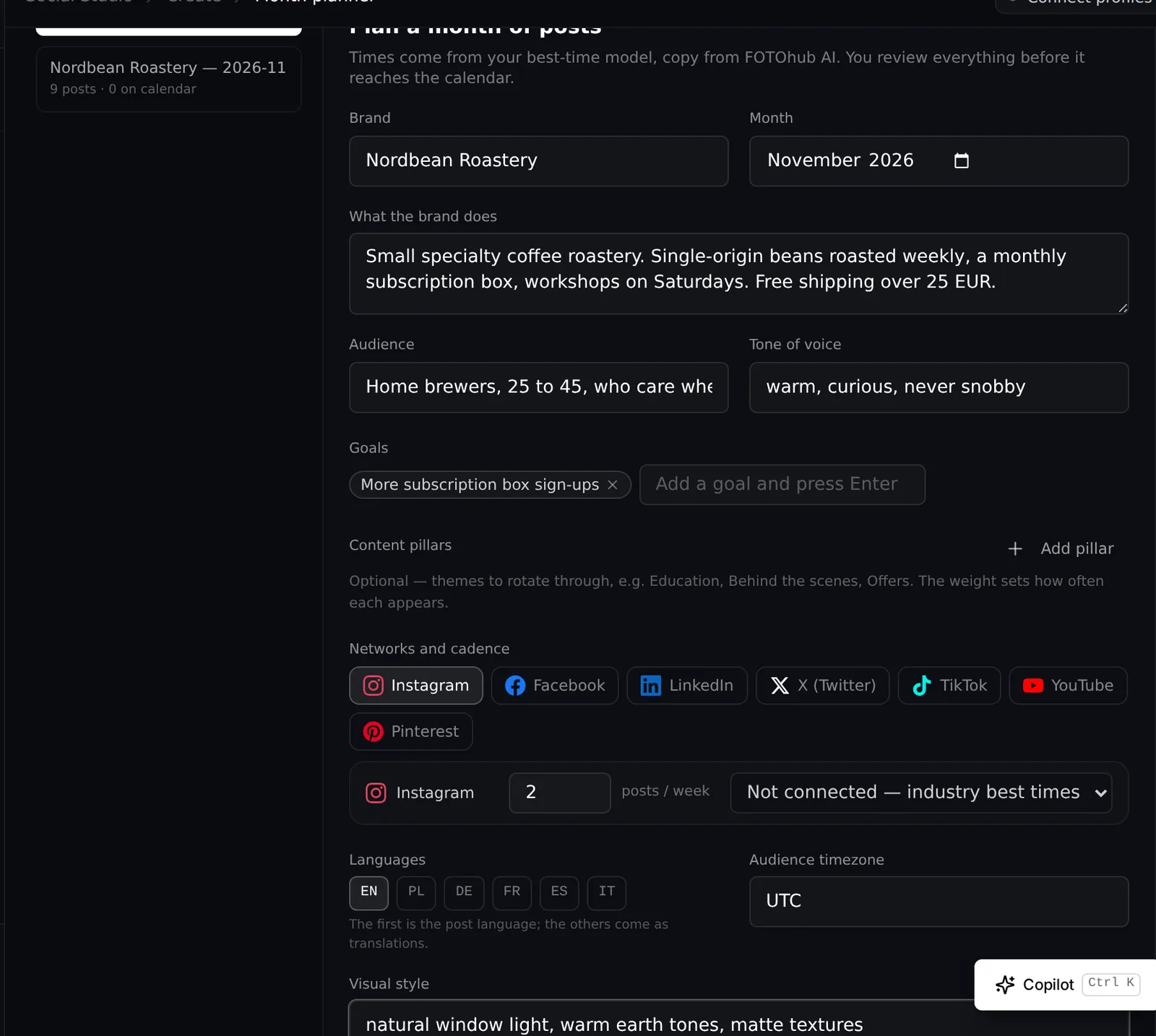
Open Month planner and press New month plan. The form is titled Plan a month of posts and it is where you teach the planner about your business. The more factual it is, the less it invents: the field for what the brand does even says to give facts only.
| Field | What to put |
|---|---|
| Brand | The name as customers know it. |
| Month | The month to plan. |
| What the brand does | Products, offer, what makes it different. Facts only; nothing is invented. |
| Audience, Tone of voice | Who you talk to and how. |
| Goals and content pillars | Goals as short lines (press Enter); pillars with a weight so that, for example, education gets more room than promotion. |
| Networks and cadence | Tick networks and choose from 1 to 14 posts per week. |
| Languages | Up to four, for example EN and PL. |
| Audience timezone | Where your audience lives. |
| Visual style | For example natural light, muted earth tones. |
| Key dates | Launches, holidays, sales. Press Add date. |
| Anything else | Words to avoid, links to push, recurring formats. |
For each network you choose the connected account, or Not connected, industry best times when you have none. Then press Generate plan; the button shows the credit price before you run it. A plan holds up to 120 slots. If the plan cannot be written, all credits are refunded.
- Review the plan The finished plan opens as a month calendar of posts. Click a post to read and edit its caption. Select all and Clear change which posts are ticked, and Archive plan puts the plan away.
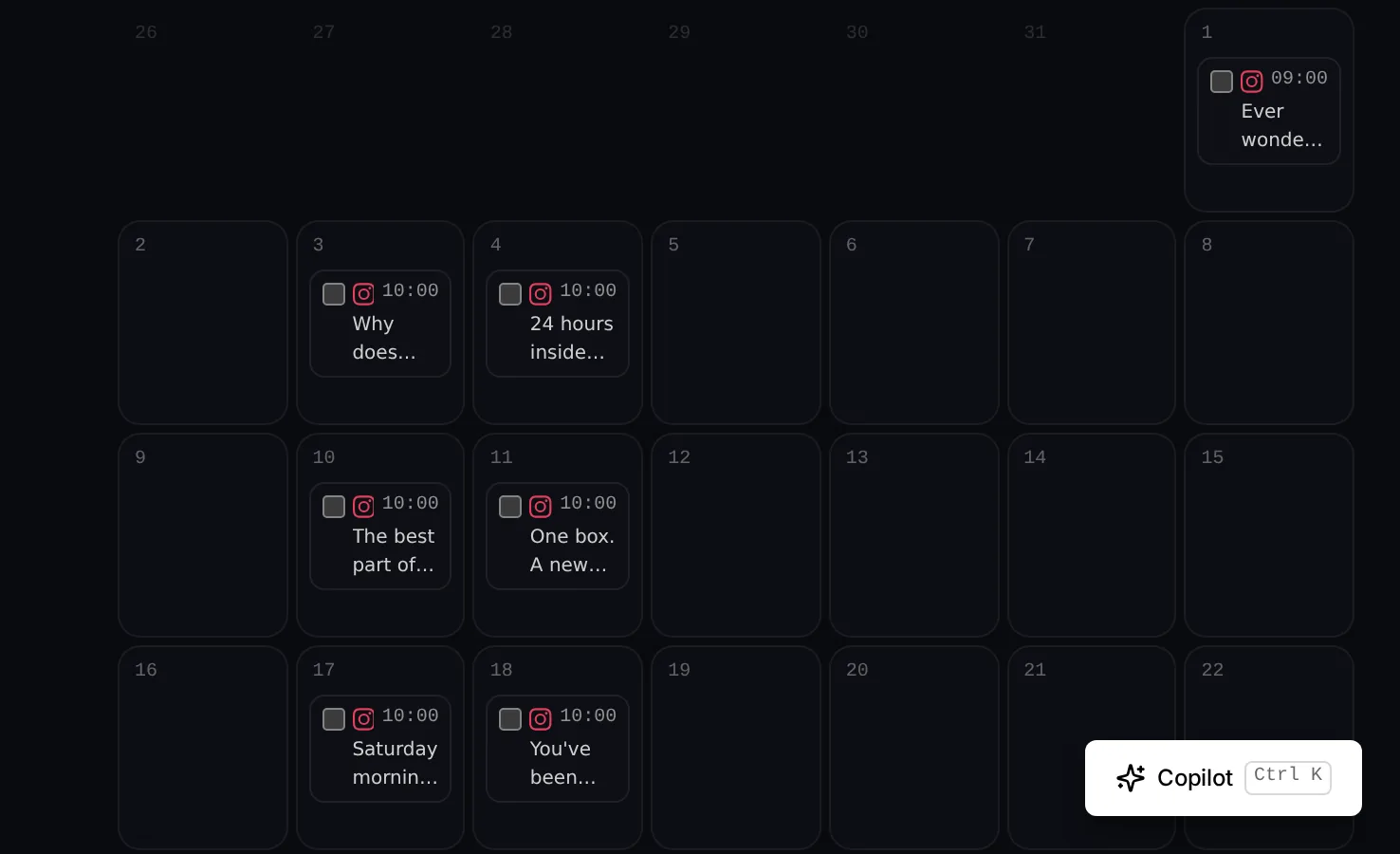
- Make images where you need them Next to Images a list shows the image models with their price per image. Pick one and press Images to make a picture for every ticked post. Cheap models are fine for a first look.
- Add as drafts or Schedule Add as drafts puts the ticked posts into your drafts, where they wait in the Calendar's unscheduled drafts panel. Schedule places them on the calendar at the planned times, which needs a connected account for each network.
Content strategy and library
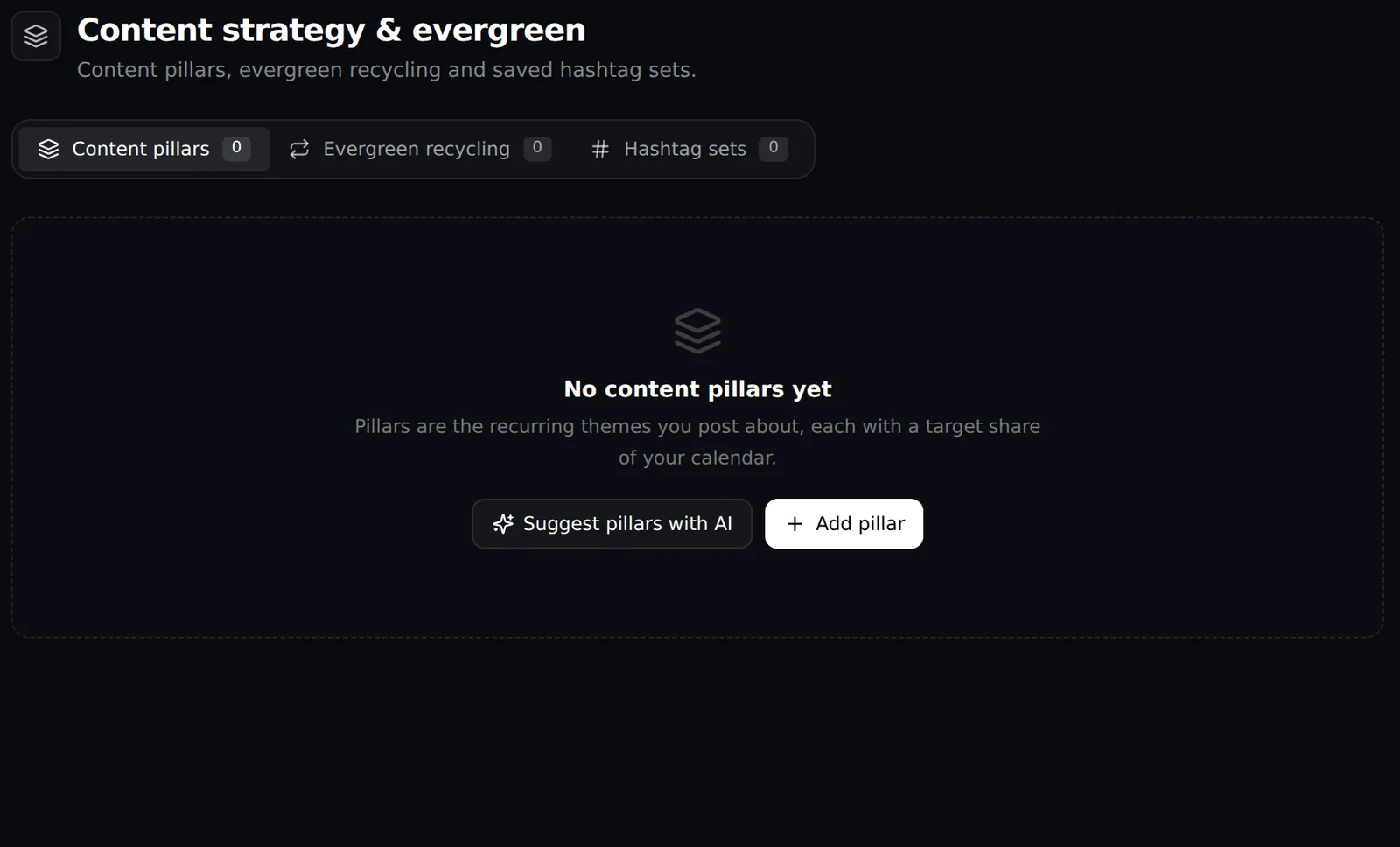
Content strategy is where you define pillars, the themes you keep returning to, with a target share for each. The page compares the target with what you actually scheduled and lists an evergreen recycling queue and saved hashtag sets. Suggest content pillars proposes pillars from your business and costs credits. A fresh account shows "No content pillars yet".
Content library stores captions, uploaded references (images up to 50 MB, videos up to 500 MB), saved links and the outputs of Clips from videos. Items from the library drop into the composer.
Clips from long videos
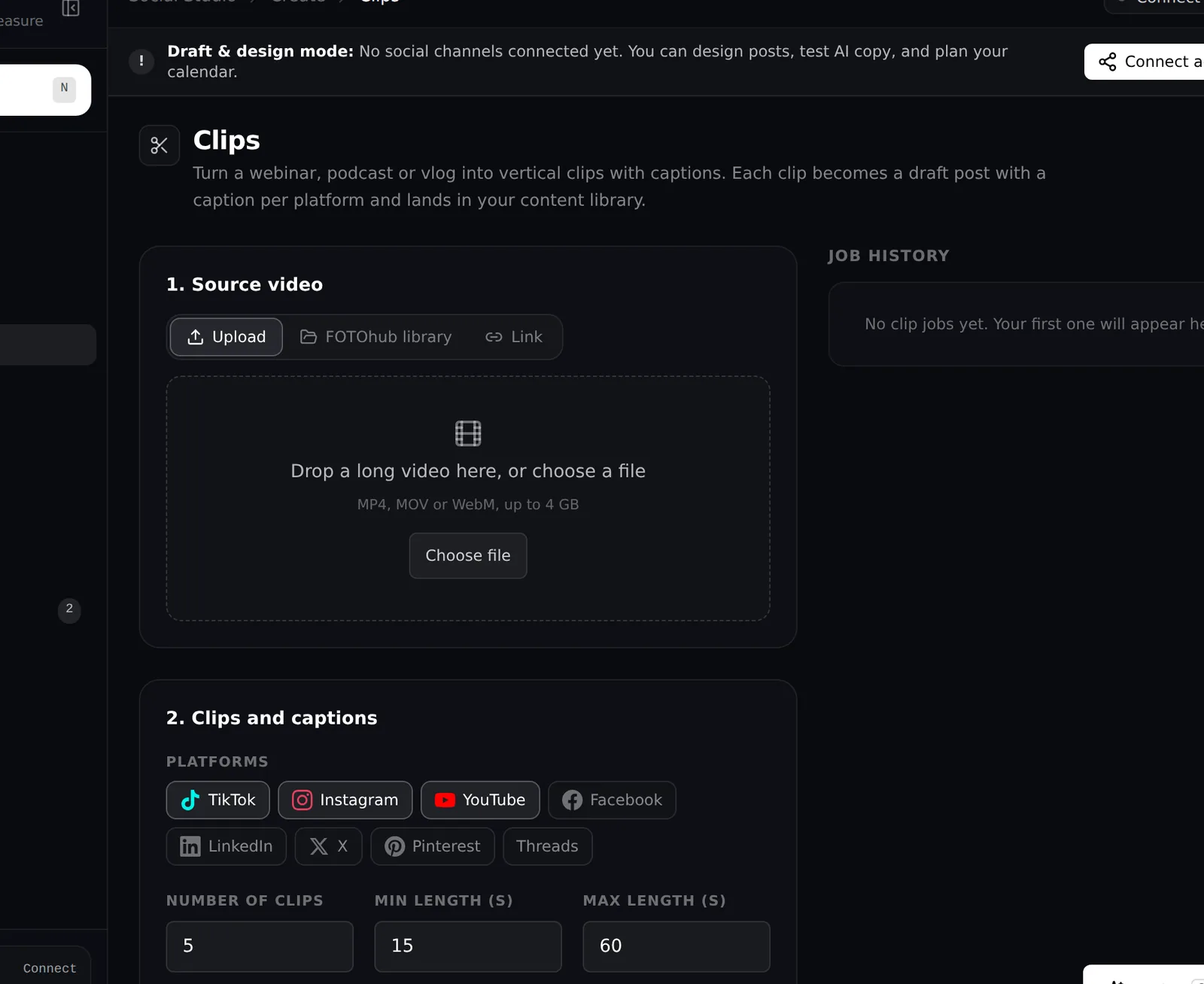
Clips from videos takes a webinar, a podcast or a long product demo and finds the moments worth posting. Upload a video, set the options, and the studio produces vertical clips with captions. Each clip becomes a draft post with a caption per platform, ready for the queue. Finding the clips and rendering them both use credits, and your job history stays on the page.
Link in bio
A link-in-bio page is one public address that holds the links you want visitors to find from a profile. Open Link in bio. The page shows the public address, a Published switch, a Save button and a Live Preview that updates as you type.
- Profile: Title, Bio, an avatar upload and the Address (slug): at least two characters, letters, digits and dashes. The page lives at
/s/your-slug. - Links: Add link with a title and an address. Reorder them, Highlight link for the one you want clicked, Show link to hide one without deleting it. Only http, https, mailto and tel links are allowed.
- Social profiles: Facebook, Instagram, LinkedIn, X, TikTok, YouTube and Pinterest addresses.
- Theme: presets Ink, Ocean, Forest, Paper, Ember and Rose; button styles Rounded, Pill, Square and Outline; card styles Flat, Elevated, Glass and Bordered; and Custom CSS (advanced), which is sanitised and applies only inside your page.
Automation: what runs by itself
Open Automation. The page offers Create Rule, a search box and a pill that shows how many rules are active. A rule is created in a four step wizard: Name and type, Trigger, Action, Review. You can have up to 30 rules, and the engine checks them every five minutes.
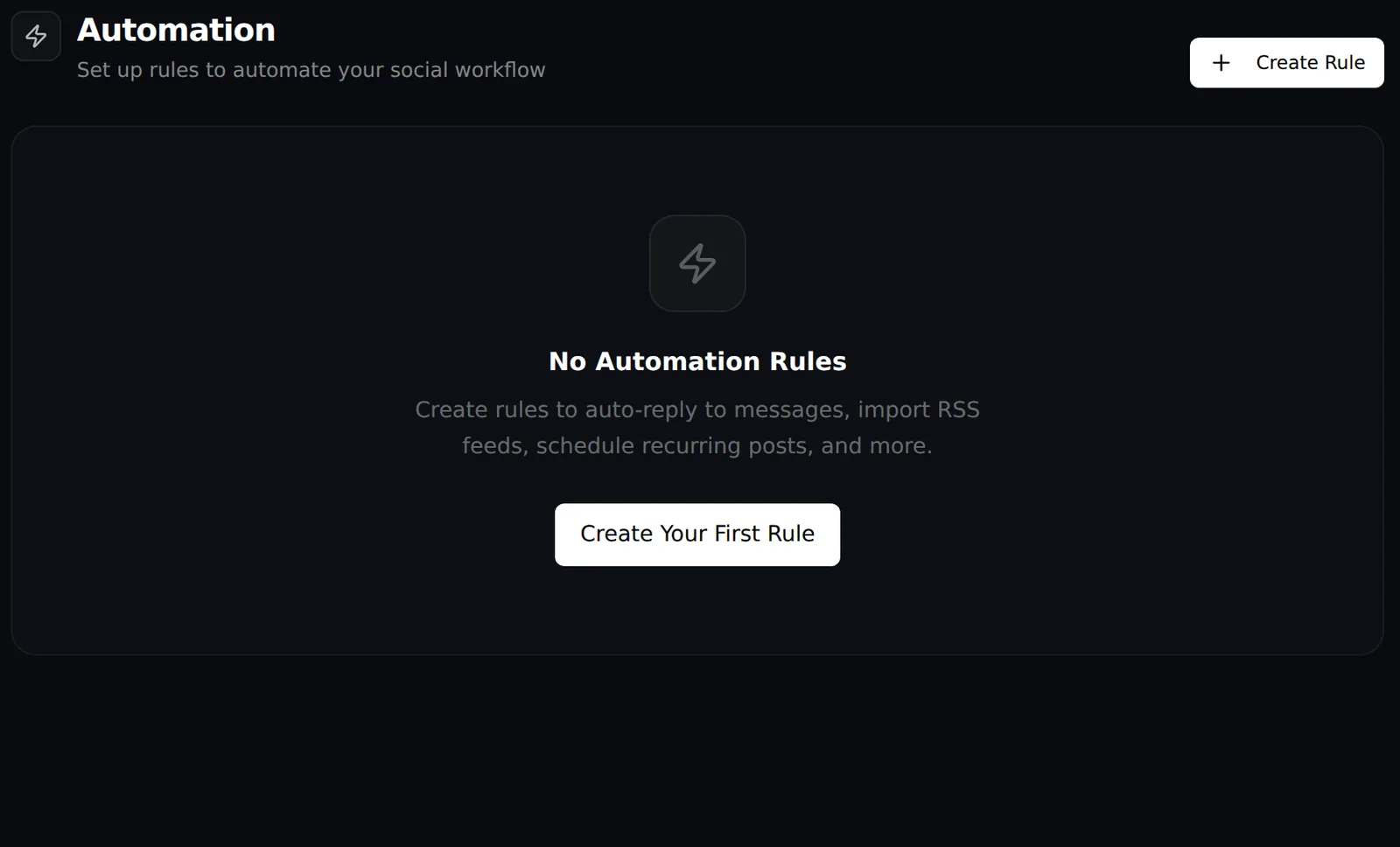
| Recipe | Runs today? | What it does |
|---|---|---|
| Recurring post | Yes, needs a connected account | Creates a scheduled post from your text: Once, every hour, 6 hours, 12 hours, daily or weekly, from a first run time. |
| RSS import | Yes | Checks a feed every 30 minutes or every hour and creates a draft post for each new item. |
| Auto-reply, Auto-like, Hide spam, Notification, Conditional tagging | Not active yet | You can save these rules, but nothing triggers them. Do not rely on them. |
Two worked setups
A month for Nordbean Roastery, one network
Goal. A November plan for Instagram with two posts a week, to see the voice before committing.
Input you can copy.
Brand: Nordbean Roastery. What it does: small specialty coffee roastery; single-origin beans roasted weekly; subscription box; Saturday workshops; free shipping over 25 EUR. Audience: home brewers, 25 to 45, who care where their coffee comes from. Tone: warm, curious, never snobby. Goal: more subscription box sign-ups. Network: Instagram. Cadence: 2 per week.| Setting | Value |
|---|---|
| Month | November 2026 |
| Network | |
| Cadence | 2 posts per week |
Why it works. Because the brief names real products and one goal, the plan repeats them across posts instead of inventing new offers. Review the items, edit what you want, and press Add as drafts to turn them into drafts.
A link in bio for the roastery
Goal. One address for the profile: the shop, the subscription box and the workshop booking.
Input you can copy.
Title: Nordbean Roastery. Bio: Small-batch coffee, roasted weekly. Links: Shop (highlighted), Monthly box, Saturday workshop. Theme: Paper, Rounded buttons, Elevated cards.| Setting | Value |
|---|---|
| Theme | Paper |
| Button style | Rounded |
| Card style | Elevated |
Why it works. The live preview shows the page as visitors will see it. Highlight the single link you most want clicked.
Troubleshooting
- "This plan could not be written, all credits were refunded".
- Try again with a shorter brief or fewer posts per week.
- My Automation rule is saved but nothing happens.
- Only Recurring post and RSS import run. Recurring posts need a connected account.
- The link in bio address is taken.
- Choose another slug. Letters, digits and dashes only, at least two characters.
- Analytics and Listening are empty.
- Analytics needs a connected account and a daily sync. Listening is best effort and searches only X.
- How many pages and rules can I have?
- Ten link-in-bio pages, 30 automation rules, 50 campaigns.